





Start Your Business
Take the right steps with confidence
- Test the idea
- Run the numbers
- Build the plan
- Get funded
- Track how it actually goes
Five steps, in the order that saves you the most money.
You have an idea, but what comes next?
Is there really a business in this?
Who will buy it, how many of them are there, and what are they paying for it now?
How much money will it take?
Before anything else, you need a number: what it costs to open, what it costs to run, and how long before you start making money.
Will a lender or an investor go for it?
What they'll ask to see, and whether your numbers hold up when they ask.
LivePlan guides you through the essential steps of launching a startup
Step One: Validate your idea
Test the idea.
Find the customer.
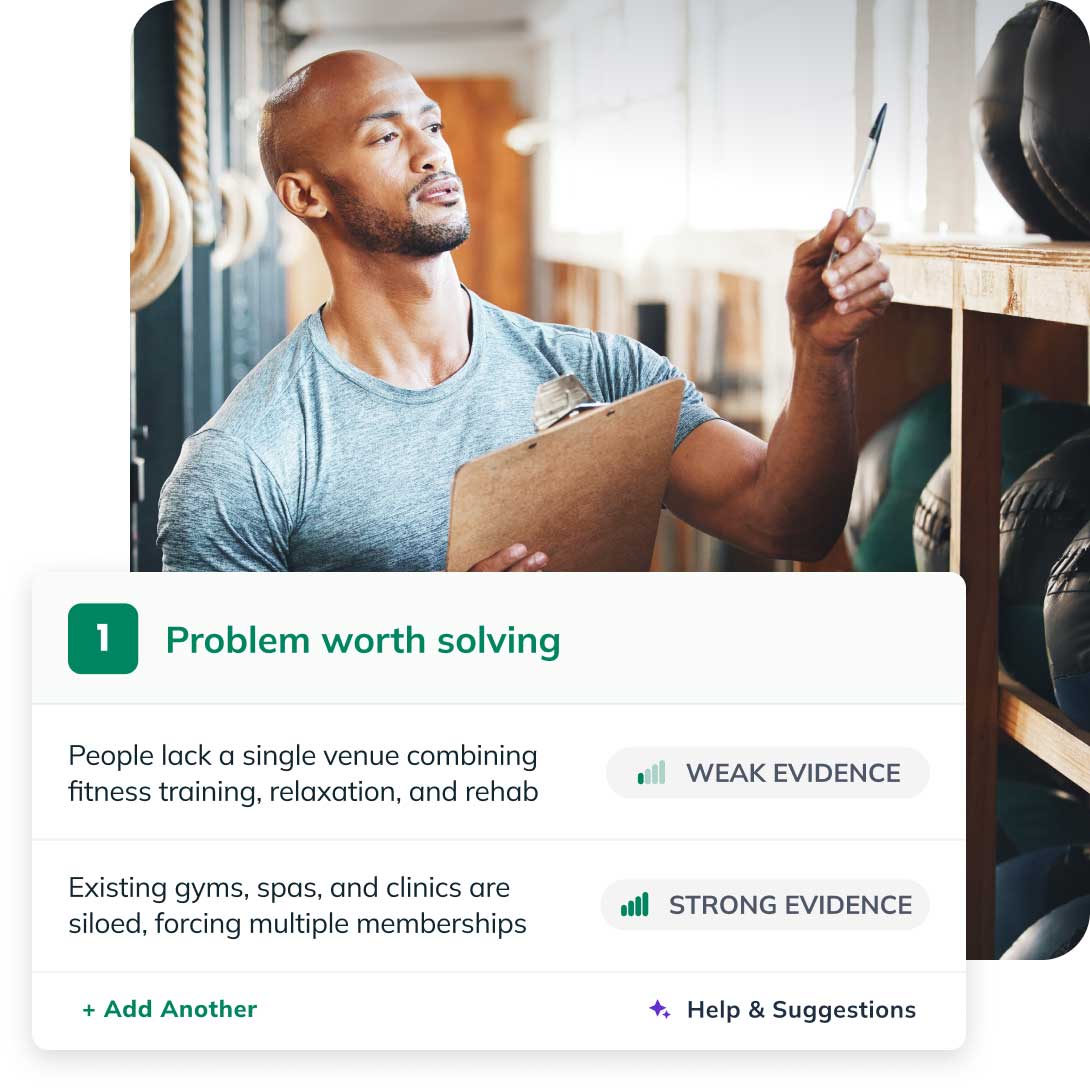
Before you spend anything, find out whether there's a business here and who it's for. Idea Canvas walks you through 12 parts of your business model and scores each one against real research from forums, reviews, and customer discussions, so a weak assumption gets flagged instead of carried forward. Where something doesn't hold up, it tells you what to change.
Then market research fills in who your customers actually are: market size, demographics, what competitors charge, how people in your category buy, with every data point cited so you can check it yourself.
"Before LivePlan, my team and I had no idea where or how to start. It helped us focus on and build every single area of our business strategy and recognize that some aspects of the company needed to be adjusted before we could launch."
- Brittany, LivePlan Customer
What you'll need

Follow the guided questions in the Idea Canvas to validate your idea. Understand your customer with Market Research and Industry Data.
Step Two: Forecast & Budget
Find out how much money you'll need
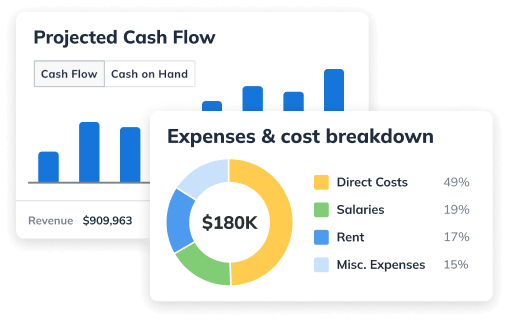
Now that you know what you're selling and who's buying, put numbers on it. Estimate what you'll charge, what it costs you, and who you'll hire, and LivePlan turns that into a real forecast: what it takes to open the doors, when you break even, and whether you need outside money to get from opening day to steady revenue.
You don't need a finance background. Describe the business to LivePlan and it makes suggestions and handles the accounting logic, or you can enter the numbers yourself, or import a spreadsheet you already worked on.
"The Forecast section is the standout for me: cash flow, depreciation, taxes, and the related calculations are automated in a way that saves a huge amount of time and improves reliability."
— Roberto, Trustpilot

What you'll need
The LivePlan Forecast provides step-by-step instructions and a guided chat to build a complete financial forecast.
Step Three: Build the plan
Write a plan you're proud to hand over
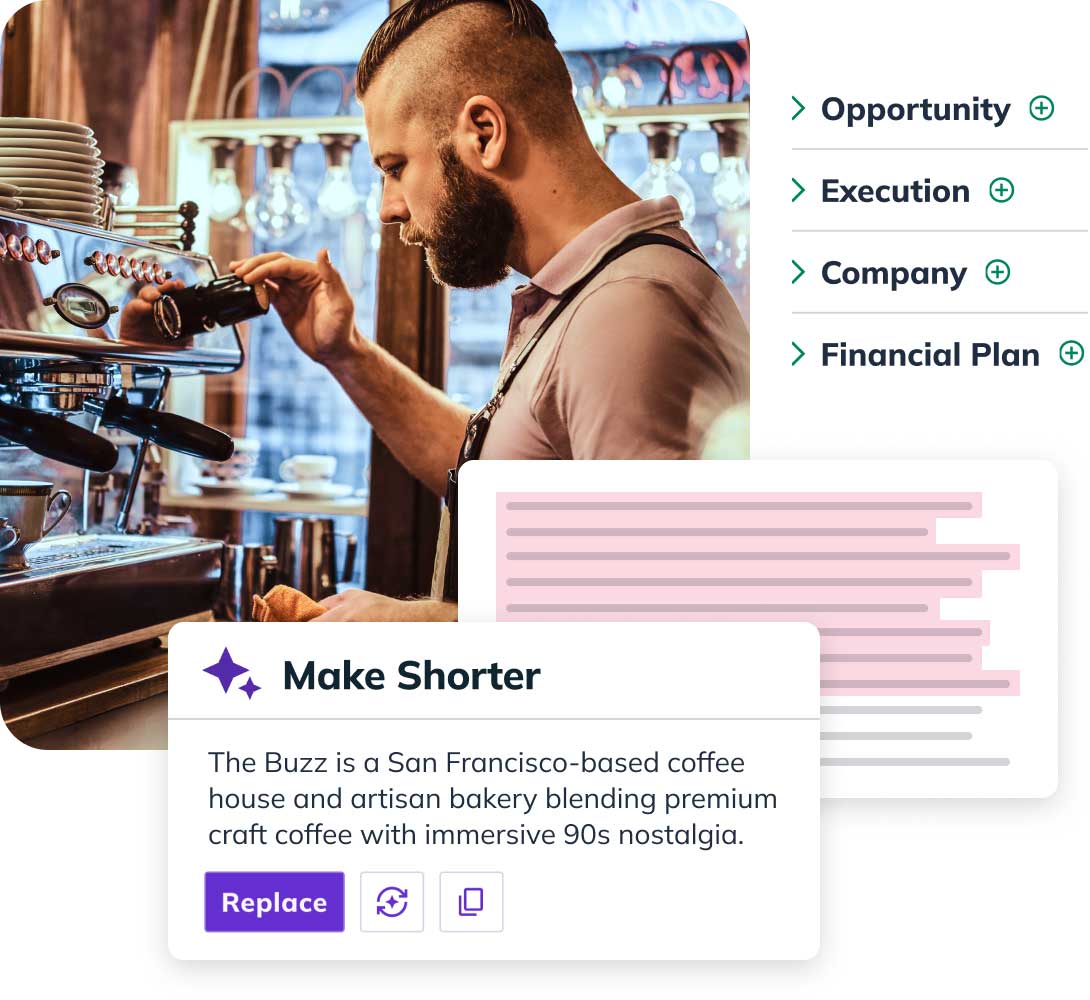
LivePlan helps you build a plan a bank, a partner, or an investor will actually read. You're never staring at an empty section: every one comes with instructions and examples customized for your industry, automatic drafts and rewrites from what LivePlan already knows about your business, and 550+ sample plans let you read a finished plan from your industry before you write your own. Your idea work and your forecast are already in there, so the story and the numbers say the same thing. What comes out the other end is a document that looks like it came from someone who has done this before.
Entrepreneurs with a plan are 129% more likely to push forward with their business beyond the initial startup phase and grow it, according to a study in the journal Small Business Economics.
What you'll need
The business plan builder will guide you through every step, helping you answer the most important questions about your business.
Step Four: Get funded
Present with confidence
Banks, SBA lenders, and investors want the statements, not a summary. LivePlan generates the profit and loss, cash flow, and balance sheet they ask for, in the format they expect.
Before you send anything, the lender-readiness review reads your plan and your numbers the way a lender would and tells you what's missing, what doesn't add up, and what to fix.
When you're presenting rather than submitting, the pitch presentation builds itself from the plan you've already written, and exports to PDF or PowerPoint.
"If I didn't have that plan, I wouldn't have been able to get a $10,000 loan with 1% interest rate as a first-time business owner."
— Tamika Jackson, PNK Scrubs

What you'll need
Lender-readiness review will check your plan and preview the questions funders are likely to ask. Plan builder creates beautiful and impressive plans. And the pitch builder is fully customizable, not just a static template.
Step Five: Track budget vs. actual
Track it once you're open
Once money starts moving, compare what actually happened against what you said would happen. Where did revenue land against the forecast? Where did spending run over? What did that do to cash? Then adjust: change the plan, change the budget, change the price.
That loop, month after month, is what turns a forecast into a business you can steer. Connect QuickBooks or Xero and LivePlan does the comparison for you.
Documenting and reviewing your goals makes you 40% more likely to achieve them, according to a study by the Dominican University of California.

What you'll need
Track performance with the budget vs. actual dashboard and get automated insights into what's working and what needs to change with a monthly financial review.